
 Geometry Dash
Space Waves online arcade reflex game
Space Waves: Play the Arcade Space Game Online
Play Space Waves online and steer through neon space tunnels where every hold, release, and tiny correction decides whether your arrow slips through the next obstacle or crashes into the wall.
Start Space Waves
4.5247 ratings309 votes
Loading Space Waves...
Space Waves
Similar Arcade Games / More Games to Try
Try more quick browser games built around timing, reflexes, routes, and one-more-run arcade energy.




Fast browser play guide
Space Waves is built for immediate play: one small arrow, one dangerous space tunnel, and a movement rule that is easy to understand but hard to master. Hold to rise, release to drop, and keep the wave path smooth enough to avoid obstacles without drifting into the next wall.
space waves
Fast neon obstacle run
space waves game
Arcade reaction challenge
space waves online
Play in your browser
space waves unblocked
Network access can vary
space waves controls
Hold to rise, release to drop
Space Waves onlineWave movementNeon obstacle tunnelsFast reflex challenge
What Is Space Waves?
Space Waves is a fast arcade space game about guiding a small arrow through a tunnel packed with hazards. The arrow moves in a wave-like path: hold the control to climb, release to fall, and keep adjusting as walls, gears, spikes, and tight gates close in. The rules are simple enough to learn in seconds, but the timing becomes demanding once the corridor narrows.
The appeal of the Space Waves game is the same clean loop that makes strong browser arcade games so replayable. You start a run, read the next obstacle, make a small input, and immediately know whether the timing was right. A mistake does not feel mysterious. It usually means the hold lasted too long, the release came too late, or the arrow was already out of position before the gap arrived.
This page is designed for players who want to play Space Waves online quickly. The game appears first, the controls are explained below, and the rest of the page focuses on useful tips for avoiding obstacles, improving reaction timing, and picking a better route through each level.
Quick hook: Space Waves feels calm for one second and intense the next. The skill is staying smooth while the tunnel keeps asking for smaller, faster corrections.
How to Play Space Waves
If you are learning how to play Space Waves, begin with the movement rhythm before chasing a difficult clear. Hold the control to angle upward, release to drop, and try to make the arrow draw a steady wave through the open lane. The goal is not to tap as fast as possible. The goal is to keep the arrow prepared for the next obstacle before it arrives.
- Start the embedded Space Waves browser game above and wait for the level or run to load.
- Hold briefly to rise, then release before the arrow reaches the ceiling or an obstacle edge.
- Look ahead for spikes, rotating gears, narrow gates, and wall changes instead of staring only at the arrow.
- Use short taps in tight areas and longer holds only when the tunnel is clearly open.
- After a crash, restart with one correction in mind: earlier release, smaller tap, lower entry, or calmer timing.
| Run phase | What to focus on | Why it helps |
|---|---|---|
| First launch | Learn the rise-and-drop rhythm. | The core Space Waves game loop is simple, but the control timing feels better after a few calm practice attempts. |
| Early levels | Keep the arrow centered in wider tunnels. | Center control gives you room to react when the path suddenly narrows or turns. |
| Obstacle clusters | Read gears, spikes, and walls as one pattern. | Most crashes happen when players clear one obstacle but ignore the next one immediately behind it. |
| Hard routes | Use smaller inputs and restart quickly. | Hard Space Waves levels punish overcorrection, so clean pulses beat dramatic last-second movement. |
Key Gameplay Elements
Fast wave-style movement where one hold or release changes the entire line.
Neon space tunnels filled with walls, spikes, rotating gears, and narrow passages.
Short attempts and quick restarts that make Space Waves easy to replay for one cleaner run.
Difficulty-focused levels where wider tunnels help beginners and tighter routes test experienced players.
Browser play through a Space Waves online embed with no heavy setup required.
A reflex and timing challenge that fits quick breaks, practice sessions, and score-chasing arcade runs.
Wave movement is the main skill
The Space Waves arcade game is less about button speed and more about pressure control. A smooth wave path gives you time to read the next gap. A jagged path forces emergency moves, and emergency moves usually push the arrow into the next hazard.
Difficulty comes from spacing
Wider corridors give beginners time to recover. Tight levels reduce that room and make every input more important. When the game feels hard, it is often because the safe lane is moving faster than your current rhythm.
Game Controls
Space Waves controls are simple on purpose. The embedded game may show its own prompts, but most browser versions use the same idea: hold to rise, release to fall, and use tiny adjustments to thread the arrow through the tunnel.
Mouse hold / Touch hold
Rise
Hold to angle the arrow upward through a tunnel, but release before it climbs into a wall or spike line.
Space / Up Arrow / W
Keyboard rise
Use a keyboard hold when you want a firmer rhythm for narrow passages and repeated wave turns.
Release input
Drop
Let go to descend. Clean Space Waves movement depends on releasing early, not reacting after the arrow is already too high.
Short taps
Fine control
Use quick pulses to stay centered through tight gaps, rotating gears, and sudden direction changes.
Mouse / Touch menus
Select levels
Choose a route, retry a failed run, and use the embedded game's menu options when they appear.
Obstacles and Movement Timing
The best Space Waves tips start with obstacle reading. A wall is not only a wall; it changes where your next release should happen. A gear is not only a moving hazard; it changes how patient you need to be before entering the gap. Treat every obstacle as a timing cue, not just a shape to dodge.
| Obstacle | Main risk | Timing advice |
|---|---|---|
| Tunnel walls | They punish drifting too high or too low. | Hold and release earlier than feels natural so the arrow never scrapes the edge. |
| Spikes and thorns | They create tiny safe lanes inside otherwise open space. | Aim for the center of the gap and avoid changing direction while passing the spike tip. |
| Rotating gears | They shrink the window and can make a safe path feel delayed. | Wait for the opening, then use a short pulse instead of a long climb. |
| Narrow gates | They expose every late input. | Line up before the gate; correcting inside the gate usually creates a crash. |
| Speed shifts | They make familiar timing feel too slow or too fast. | Relax your hand and shorten each input until the new pace feels stable. |
How to improve your reaction timing
Good reaction timing in Space Waves starts before the danger reaches you. Keep your eyes slightly ahead of the arrow, then make a small input as the safe lane begins to change. If you wait until the arrow is already touching danger, the next move has to be too large.
Tips and Strategies
Stay near the center line
The safest position is usually the middle of the tunnel. If you fly too close to the ceiling or floor, the next correction has to be bigger and riskier.
Release before danger, not during it
New players often hold until the arrow almost touches a wall, then drop too sharply. Release earlier so the wave path stays smooth.
Use taps instead of long holds
Short pulses give you more control in narrow corridors. Long holds are useful for open spaces, but they can send the arrow into a bad angle quickly.
Watch the next obstacle cluster
Do not stare only at the arrow. Look slightly ahead for gears, spikes, and tunnel bends so your hand prepares before the gap arrives.
Pick easier routes while learning
If the embedded build marks levels by difficulty, start with a wider route. You build timing faster when the first goal is control instead of survival.
Name the mistake after each crash
Was the input too late, too long, too high, or too low? One clear answer makes the next run useful instead of random.
Common mistakes
The most common Space Waves mistakes are holding too long, correcting too late, entering a narrow gap from the wrong height, and watching the arrow instead of the next obstacle. If a section keeps stopping you, slow your hands down. The game often rewards calmer inputs rather than faster ones.
Level and difficulty tips
Many Space Waves builds organize routes by difficulty or layout pressure. Use that to your advantage. Start with a wider tunnel to understand controls, then move to harder paths once the wave movement feels natural. Hard levels are easier when you already trust the basic rhythm.
Why Play Space Waves Online?
Space Waves online works well because the game gets to the point quickly. You do not need a long tutorial or a heavy setup. The player loads in the browser, the goal is visible right away, and each attempt gives useful feedback. That makes it a good fit for a short break, a quick reflex warm-up, or a longer session where you keep chasing one cleaner route.
It also has a satisfying skill curve. At first, simply surviving a tunnel feels like a win. After a few attempts, you begin to notice where your hand is too tense, where the arrow drifts, and where a smaller release would save the run. That steady improvement is what gives a space waves browser game its replay value.
Space Waves Unblocked / Browser Play
Players often search for Space Waves unblocked because they want a lightweight game that opens directly in a browser. This page keeps the game embedded through Witty Arcade and avoids sending the main detail page directly to the external iframe source. That helps keep the game page focused on play, controls, tips, and useful internal navigation.
Access can still depend on the network you are using. A school, workplace, public Wi-Fi, browser extension, or local filter may block some embedded game sources. If the Space Waves unblocked game does not load on one network, try a different allowed connection or device and avoid bypassing rules you are expected to follow.
Similar Arcade Games / More Games to Try
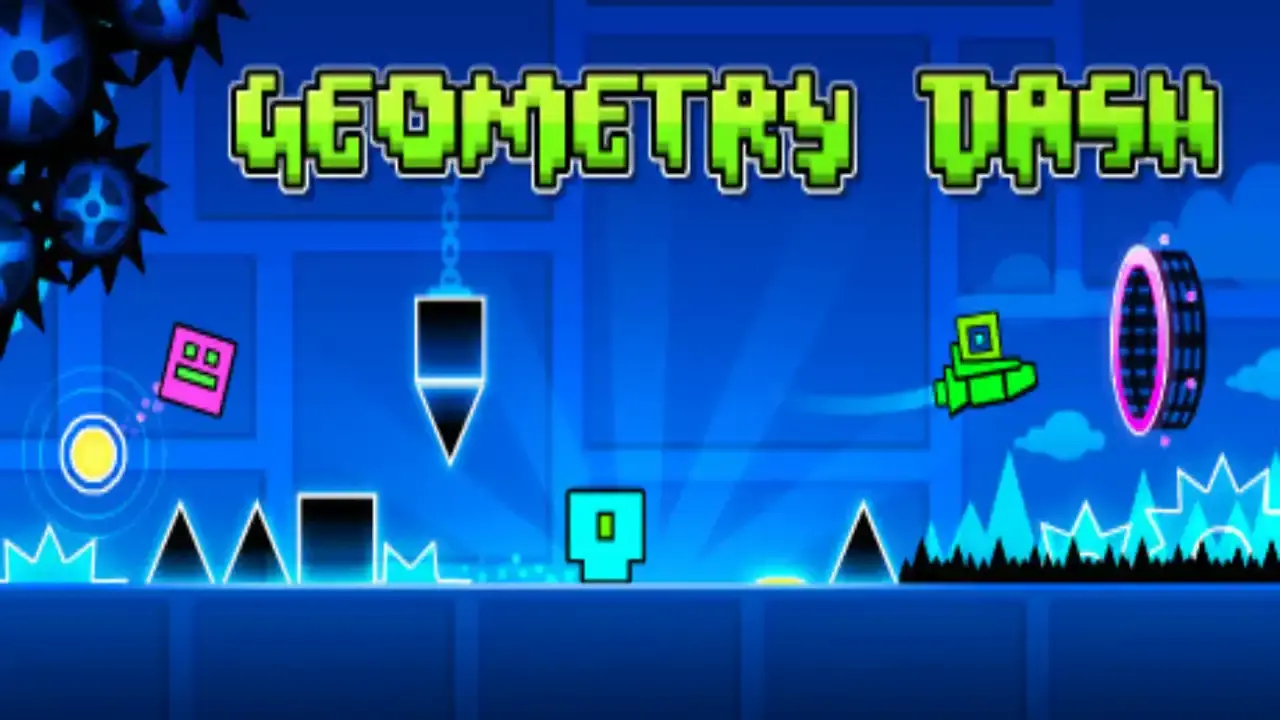
If you enjoy the Space Waves obstacle game, try more arcade, action, skill, and browser games on Witty Arcade. Geometry Dash is a strong next pick for rhythm timing and fast restarts. PolyTrack fits players who like repeated runs, cleaner lines, and route learning. Traffic Rider and Happy Wheels lean into quick reflexes and one-more-try energy.
You can also browse Space Games when you want more sci-fi atmosphere, Skill Games when you want timing practice, or Action Games when you want faster movement. Similar games do not need the exact same controls to feel satisfying. The shared appeal is clear feedback, short attempts, and the feeling that your next run can be smoother.
Player Feedback Snapshot
Static player notes point to the same appeal: Space Waves is quick to start, demanding when tunnels tighten, and rewarding when your wave movement finally stays smooth.
| Reviewer | Rating | Takeaway |
|---|---|---|
| NeonPilot | 5/5 | Space Waves is tense in the best way. The controls are simple, but the tunnels make every tap and release matter. |
| OrbitRunner | 5/5 | Great for quick reflex practice. I like starting on easier routes, then trying a harder level once the wave movement feels steady. |
| TunnelAce | 4/5 | A sharp browser obstacle game for short breaks. The best runs happen when you stop overcorrecting and keep a clean rhythm. |
FAQ
Can I play Space Waves online for free?
Yes. This page lets you play Space Waves online through a browser embed on Witty Arcade, so you can start the game without installing a launcher or downloading a separate file.
What kind of game is Space Waves?
Space Waves is a fast arcade-style space game about guiding an arrow through neon obstacle tunnels. The challenge is wave movement, timing, quick reactions, and avoiding walls, spikes, gears, and narrow gates.
How do Space Waves controls work?
The basic Space Waves controls are simple: hold the mouse, touch screen, Space, W, or the up arrow to rise, then release to fall. Short taps help you adjust the wave path without overcorrecting.
Is Space Waves unblocked on every network?
Space Waves unblocked access depends on your school, office, device, browser, and local network rules. Witty Arcade provides a browser play page, but it cannot guarantee that every network allows the embedded game source.
What should beginners try first?
Start with an easier route, keep your arrow near the middle of the tunnel, and practice releasing before the wall gets close. A calm rhythm is safer than holding too long and making sharp corrections.
Does Space Waves work on mobile?
The Witty Arcade page is responsive, and the player scales for smaller screens. The embedded game experience can still vary by device, so rotate your phone or use a tablet if the play area feels cramped.
What are the best Space Waves tips for harder levels?
Read the next obstacle before you move, use short controlled pulses, avoid hugging the ceiling or floor, and restart with one specific mistake in mind. Harder levels reward rhythm and patience more than panic reactions.
Related Games
More quick plays with similar categories, pacing, or puzzle hooks.