
 Ragdoll Archers
Browser ragdoll physics game
Happy Wheels: Play Online Physics Game
4.5426 ratings715 votes
Play Happy Wheels online in your browser. Control vehicles, survive virtual obstacle courses, balance ragdoll momentum, and enjoy a funny physics game with quick restarts.
Play NowLoading Happy Wheels...
Happy Wheels
Happy Wheels Game / Similar Physics Games
Try more browser games with physics timing, balance control, obstacle routes, quick restarts, or funny arcade reactions.







Free browser game - no download
Guide, Controls, Tips, and Similar Games
This Happy Wheels game page is written for players who want the game frame first, then practical help: what the physics challenge is, how controls work, why balance matters, and how to improve without turning the page into a real-world stunt guide.
What Is Happy Wheels?
Happy Wheels is a ragdoll physics obstacle game where the player guides a character and vehicle through short, chaotic level challenges. The appeal is not realistic driving. It is the exaggerated way a virtual rider, cart, wheelchair, bike, or other in-game vehicle reacts when momentum, ramps, and obstacles collide.
A good Happy Wheels online run feels like a small puzzle with wheels. You accelerate, lean, brake, wait, or restart based on what the level throws at you. Funny fails are part of the charm, but the game still rewards skill. Cleaner balance, better timing, and smarter route choices turn a messy attempt into a completed level.
How to Play Happy Wheels
Press the game frame above, wait for the browser embed to load, then choose a level or start screen option inside the game. The basic idea is simple: move through the virtual course, keep your vehicle stable, avoid obstacle patterns, and reach the finish or level goal. The hard part is knowing when to slow down, lean, or restart.
- Click or tap the player area and wait for the game menu.
- Start with an easier level so you can learn the vehicle feel before chasing speed.
- Use small balance inputs on ramps, drops, and landings.
- Treat every failed attempt as a map of the next obstacle.
- Restart quickly when the opening section goes badly, then adjust the timing on the next run.
| Run phase | Focus | Why it helps |
|---|---|---|
| First run | Move slowly and learn the vehicle. | A careful first attempt shows how the character leans, lands, and reacts to the first virtual obstacles. |
| Second run | Memorize the obstacle order. | Knowing what comes next gives you time to brake, lean, or wait before a tricky section. |
| Clean run | Use smaller inputs and restart quickly. | Short corrections keep momentum stable, and quick retries stop one failed section from wasting the whole session. |
Happy Wheels Game Features
Ragdoll physics challenges where balance, momentum, and timing shape each in-game attempt.
Vehicle-based obstacle courses with bikes, wheelchairs, carts, and other quirky virtual rides.
Short level runs that encourage quick restarts, route learning, and better reactions.
Funny fail moments created by exaggerated game physics, not real-life stunts or driving advice.
Browser play through a Witty Arcade embed page, with no separate download on the game page.
A skill-focused physics game loop that works for quick sessions and longer level practice.
Key Gameplay Elements
Ragdoll physics
Characters react to bumps, ramps, landings, and obstacles with exaggerated virtual body movement. That unpredictability is the joke, but it also changes how you plan each run.
Vehicle control
Every vehicle has a different feel. A slow, stable ride can survive a messy slope, while a faster setup may need sharper timing to stay balanced.
Obstacle courses
Levels are built around virtual hazards, ramps, platforms, and narrow timing windows. The goal is to read the path instead of charging forward blindly.
Balance and leaning
Leaning is often the difference between a clean landing and a chaotic tumble. Small corrections usually work better than holding a direction too long.
Quick restarts
Happy Wheels gameplay is at its best when a mistake teaches you something. Restart quickly, remember the obstacle, and adjust the next attempt.
Level progression
A level can begin with simple movement, then add tighter turns, awkward jumps, faster traps, or route choices that test timing and patience.
Game Controls
Happy Wheels controls can vary slightly by embedded build and character, so use the table as a practical browser guide and follow any prompt shown inside the game frame. The important habit is to treat controls as balance tools, not just speed buttons.
Arrow Keys / WASD
Drive and balance
Accelerate, brake, lean, and steady the vehicle while moving through virtual obstacles.
Left / Right
Lean backward or forward
Use small balance inputs to recover from bumps, ramps, drops, and awkward landings.
Space
Primary action
Many Happy Wheels-style builds use Space for jumps, brakes, or character-specific actions.
Shift / Ctrl
Secondary actions
Some vehicles use extra buttons for special movement, grabbing, or posture control inside the game.
Z
Eject in some builds
If available, this is an in-game physics action used for level solutions or funny virtual fails.
Mouse / Touch
Menus
Use pointer input for start screens, level menus, restart buttons, and browser frame interactions.
Ragdoll Physics, Balance, and Momentum
The heart of the Happy Wheels physics game is momentum. Your vehicle is rarely perfectly stable, and the rider reacts to the course with exaggerated in-game ragdoll movement. That is why a tiny bump can become a funny fail, and why a small lean correction can save the whole run.
Balance control is the skill that makes the game more than a random obstacle course. Slow down before a ramp, lean before the landing, and let the vehicle settle after a hard impact. Once you learn that rhythm, Happy Wheels gameplay becomes a chain of small decisions instead of pure chaos.
Safety note: crash, stunt, survival, ragdoll, and vehicle terms on this page describe only cartoon-style virtual gameplay. They are not real-life driving, falling, or stunt instructions.
| Game moment | Better move | Avoid this risk |
|---|---|---|
| Uphill ramp | Build enough speed, then lean forward gently as the vehicle climbs. | Holding full acceleration after the front wheel lifts. |
| Downhill drop | Ease off speed and prepare the landing before the vehicle leaves the slope. | Rushing into the drop with no room to rebalance. |
| Narrow gap | Line up the vehicle first, then tap through with controlled speed. | Changing direction at the last second. |
| Moving obstacle | Wait for the in-game timing window instead of forcing the pass. | Treating every obstacle like a speed test. |
Vehicles, Characters, and Obstacle Courses
The Happy Wheels driving game side comes from unusual vehicles and character setups. A vehicle is not just a skin. It changes the center of balance, the reaction to slopes, the way landings work, and how much speed you can safely carry through an obstacle course.
Obstacle courses are most readable when you treat them like virtual level puzzles. Look for the rhythm of platforms, ramps, narrow passages, and moving hazards. The best Happy Wheels strategy is often to move less, wait more, and choose the moment that keeps the vehicle aligned.
| Vehicle type | How it feels | Useful habit |
|---|---|---|
| Bike-style rides | Fast and flexible, but easy to flip if you lean too hard. | Use short lean corrections and settle the vehicle before the next ramp. |
| Wheelchair-style rides | Quirky, unstable, and often funny because the center of balance is unusual. | Keep speed modest until you know how the level handles bumps and slopes. |
| Cart or platform rides | Often heavier and more predictable, but still vulnerable to bad landings. | Plan the approach and avoid sharp corrections while airborne. |
| Character-specific setups | Some levels rely on special actions, posture, or unusual movement rules. | Read the in-game prompt and test special controls before chasing a fast run. |
Timing, Stunts, and Level Progression
Happy Wheels stunt game searches usually point to the same player need: people want levels where virtual ramps, jumps, and awkward landings create surprising results. On this page, stunt means an in-game physics challenge. It does not mean a real action to copy.
Level progression rewards timing more than bravery. Early sections teach how the vehicle moves. Later sections tighten the route or add obstacles that punish panic. If a level feels impossible, slow the pace down and find the exact moment where the run begins to fail.
Obstacle avoidance tips
Watch the obstacle before you reach it. If it moves, wait for the cycle. If it is narrow, line up early. If it follows a ramp or drop, prepare the landing first. Happy Wheels online free sessions become much easier once you stop treating every level as a race.
Tips and Strategies
Happy Wheels tips should be practical. You do not need a huge control list or a perfect speedrun route. You need to read the next obstacle, keep the vehicle balanced, and remember what each failed run teaches you.
Start slower than you want
The first attempt is for information. Drive slowly, watch where the virtual hazards appear, and notice which bumps throw the character off balance.
Lean with short taps
Holding a lean key can overcorrect the vehicle. Use small taps to keep the front and back wheels stable through ramps and landings.
Restart before frustration builds
Happy Wheels tips work best when you keep attempts short. If the opening goes badly, restart and practice the section that caused the problem.
Wait for moving hazards
Some obstacle courses punish impatience. If a virtual gate, platform, or trap has a rhythm, pause for the safer timing window.
Learn the vehicle before the level
A bike, wheelchair, cart, or character setup can change the entire route. Spend one run learning how it reacts before pushing for speed.
Keep stunts inside the game
All stunt, crash, vehicle, and obstacle language here is about a cartoon browser game. Do not copy Happy Wheels actions in real life.
Common mistakes
| Mistake | Better habit |
|---|---|
| Holding accelerate through every section | Slow down before tight obstacles and use speed only when the route is clear. |
| Leaning too late | Prepare the vehicle before ramps, drops, and landings instead of reacting after it tips. |
| Ignoring character differences | Treat each vehicle and character as a new control problem, not just a cosmetic change. |
| Forcing a moving obstacle | Wait for the safe in-game timing window and pass with a clean line. |
Why Play Happy Wheels Online?
Happy Wheels online works because the game loop starts fast. You can open the page, start the browser game, learn a vehicle, fail in a ridiculous virtual way, and try again before the joke wears off. That makes it a strong pick for a quick break or a longer physics challenge session.
Search phrases such as happy wheels no download, happy wheels free online, happy wheels online free, and happy wheels play online free all point to the same intent: players want a simple browser game entry. Access can still depend on your device and network, especially for happy wheels unblocked searches, but the player is placed near the top when access is permitted.
| Player search | What it usually means |
|---|---|
| happy wheels online | Browser play, no separate launcher, quick access to the game frame. |
| happy wheels controls | Vehicle movement, leaning, action keys, restart habits, and fullscreen play. |
| happy wheels unblocked | Access can depend on school, office, device, browser, and local network filters. |
| happy wheels tips | Balance control, timing, obstacle reading, and safer virtual route choices. |
Happy Wheels Game / Similar Physics Games
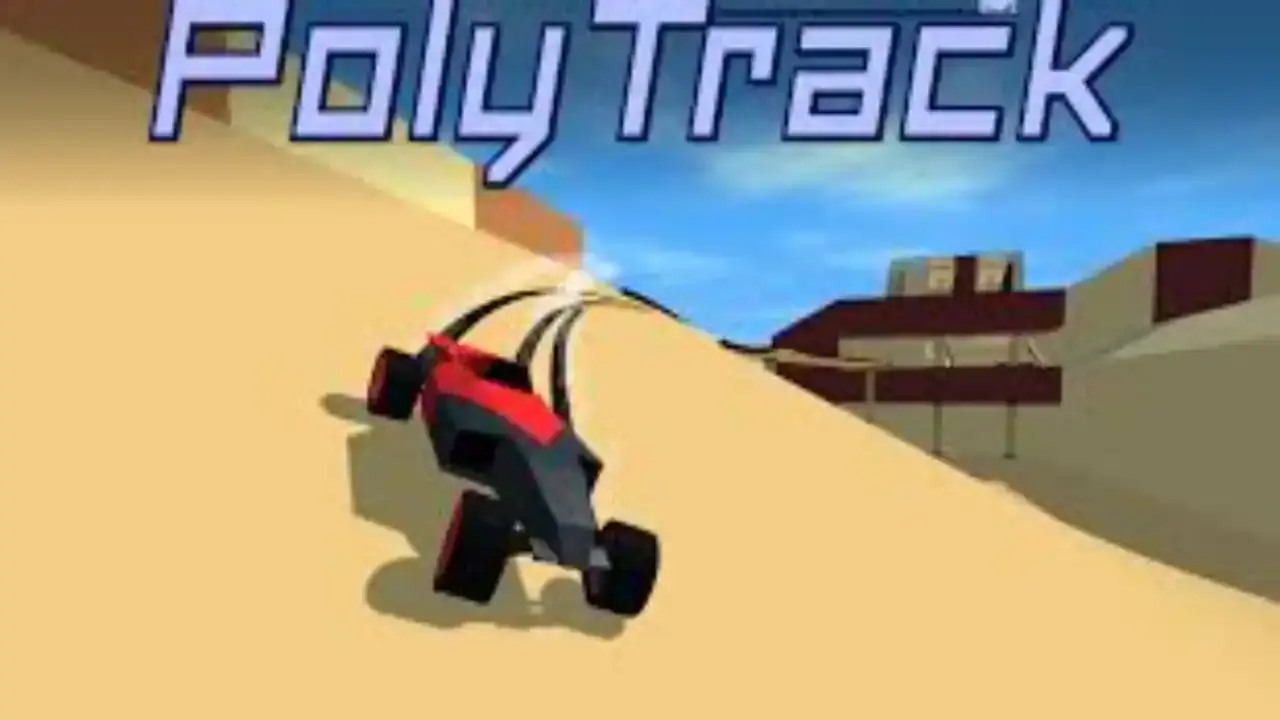
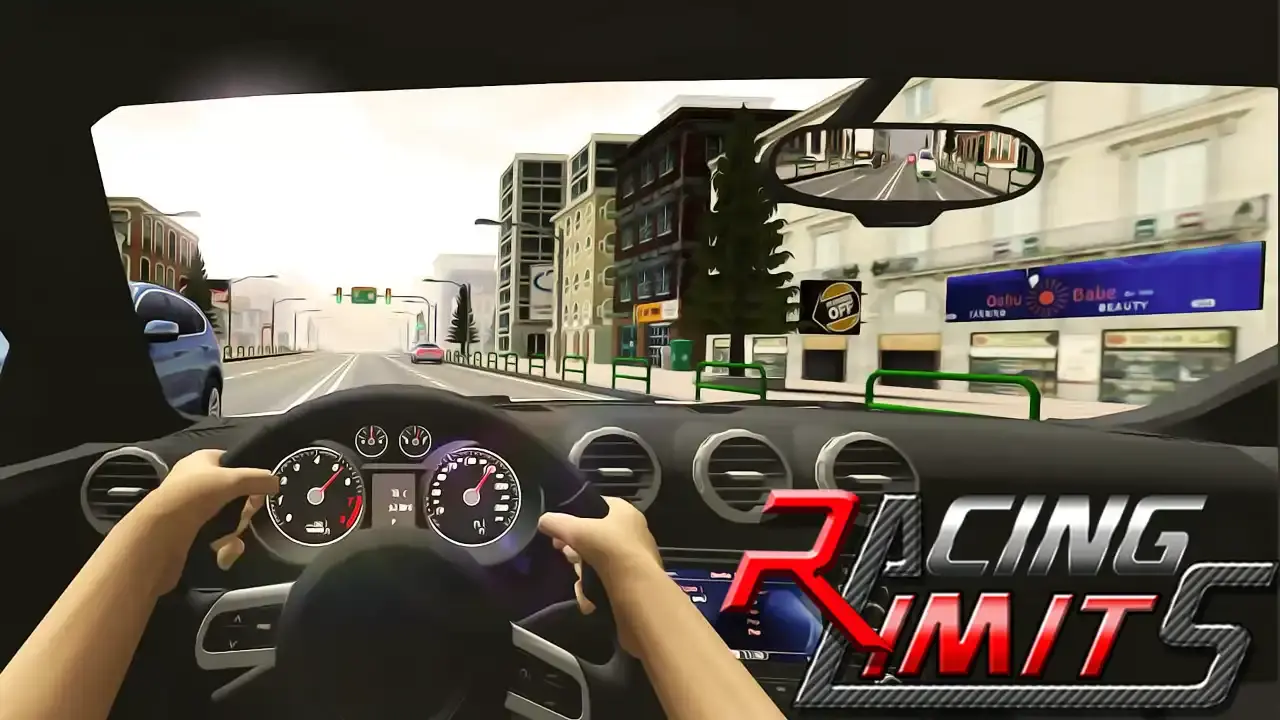
If the Happy Wheels ragdoll game clicks for you, try Ragdoll Archers for physics aiming, PolyTrack for momentum-based vehicle control, Racing Limits for driving reactions, Basket Random for funny physics, and Space Waves for obstacle timing. They do not share the same rules, but they all reward quick retries and cleaner control.
You can also browse Arcade Games, Physics Games, Ragdoll Games, Driving Games, Obstacle Games, Stunt Games, Skill Games, and Browser Games from the category cards above. Similar games are strongest when one small input changes the whole attempt.
Player Feedback Snapshot
Static player notes point to a clear pattern: Happy Wheels is easy to start, hilarious when the physics misbehave, and most satisfying when a cleaner balance decision finally carries the vehicle past a difficult obstacle.
| Reviewer | Rating | Takeaway |
|---|---|---|
| BalanceRunner | 5/5 | Happy Wheels is funniest when a tiny balance mistake turns into a wild virtual physics moment, then the restart is instant. |
| LevelLearner | 5/5 | The obstacle courses feel chaotic at first, but learning when to lean and when to slow down makes each level much cleaner. |
| PhysicsFan | 4/5 | A strong browser physics game for short sessions. It rewards timing, patience, and laughing at the harmless in-game fails. |
FAQ
Can I play Happy Wheels online for free?
Yes. This page is built so you can play Happy Wheels online in your browser through a Witty Arcade game frame, with no separate download required on the page.
What kind of game is Happy Wheels?
Happy Wheels is a ragdoll physics obstacle game built around vehicles, balance control, virtual hazards, level timing, funny fails, and quick restarts.
What are the Happy Wheels controls?
Most Happy Wheels browser builds use the arrow keys or WASD for driving and leaning, Space for a primary action, and extra keys such as Shift, Ctrl, or Z for special character actions when supported.
Is Happy Wheels unblocked everywhere?
No website can guarantee Happy Wheels unblocked access on every school, office, or regional network. Witty Arcade provides a simple browser entry where local rules and filters allow it.
How do I get better at Happy Wheels?
The best Happy Wheels strategy is to learn each level slowly, use small balance inputs, wait for moving obstacles, restart quickly after mistakes, and adjust your route based on the vehicle.
Does Happy Wheels have different vehicles and characters?
Happy Wheels is known for vehicle and character variety. Exact options can vary by embedded browser build, but the core challenge usually comes from how each setup balances, turns, and survives virtual obstacles.
Is the crash or stunt content real-life advice?
No. Crash, stunt, vehicle, survival, and obstacle descriptions on this page refer only to in-game cartoon physics and virtual challenges. Do not imitate game actions in real life.
Is Witty Arcade the official Happy Wheels site?
No. Witty Arcade is an independent online game portal. This page helps players access and understand a browser-based Happy Wheels-style ragdoll physics challenge.
Related Games
More quick plays with similar categories, pacing, or puzzle hooks.